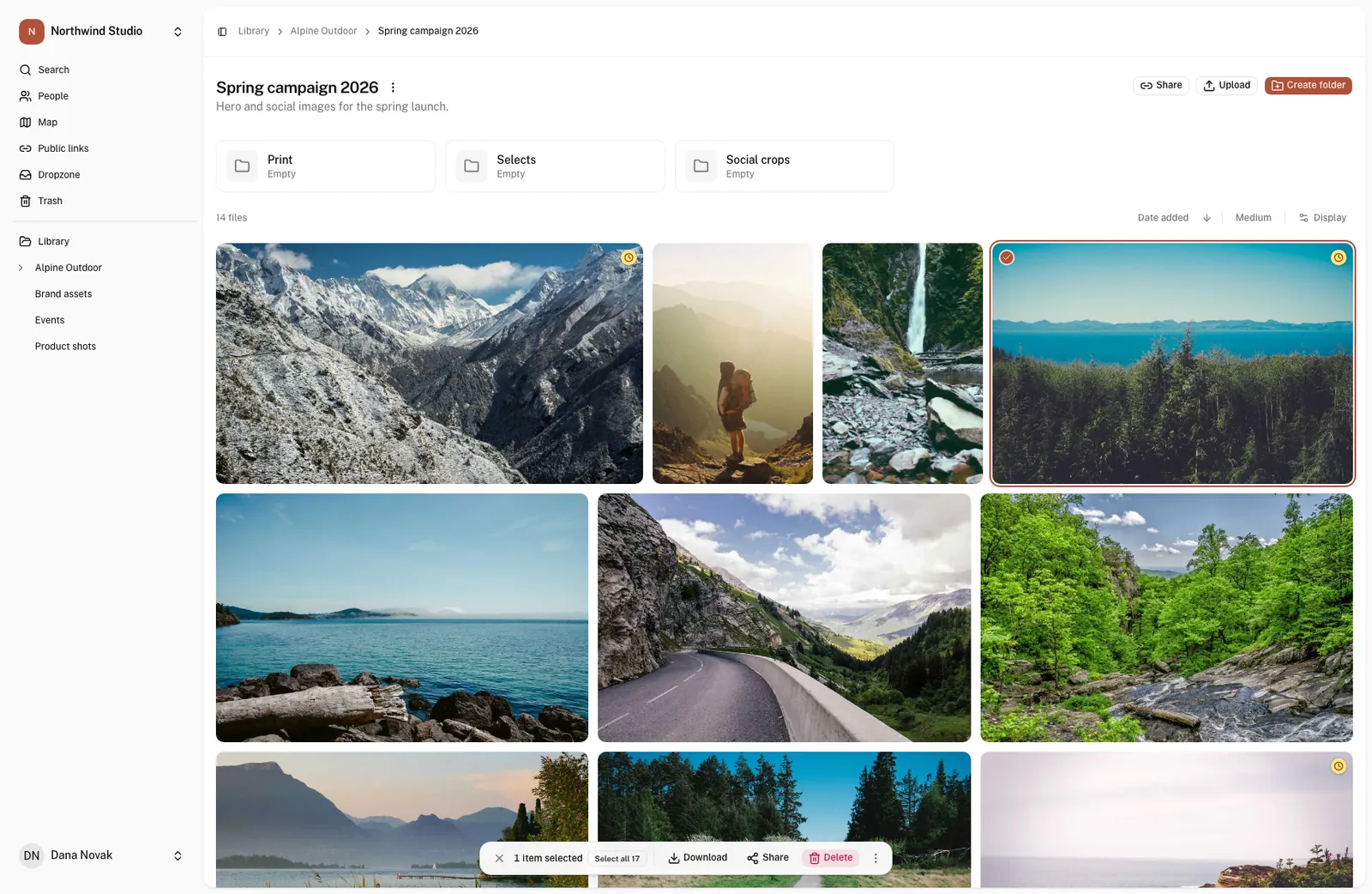
Organize.
Give every file one obvious place.
- Folders nested the way you work: client, campaign, deliverable.
- Tags and your own fields, such as campaign, usage or region.
- Change the details of fifty files in one step.
Locate.
Type what you remember.
- One search across names, tags, descriptions and your own fields.
- Automatic descriptions and tags, so untagged photos still turn up.
- Find words in PDFs and speech in videos. Browse by person or place.
Own.
Know what you can use and who sees it.
- License type, rights owner and expiry date on every file.
- A warning badge when a license is about to run out.
- Decide who can view, upload and download, folder by folder.
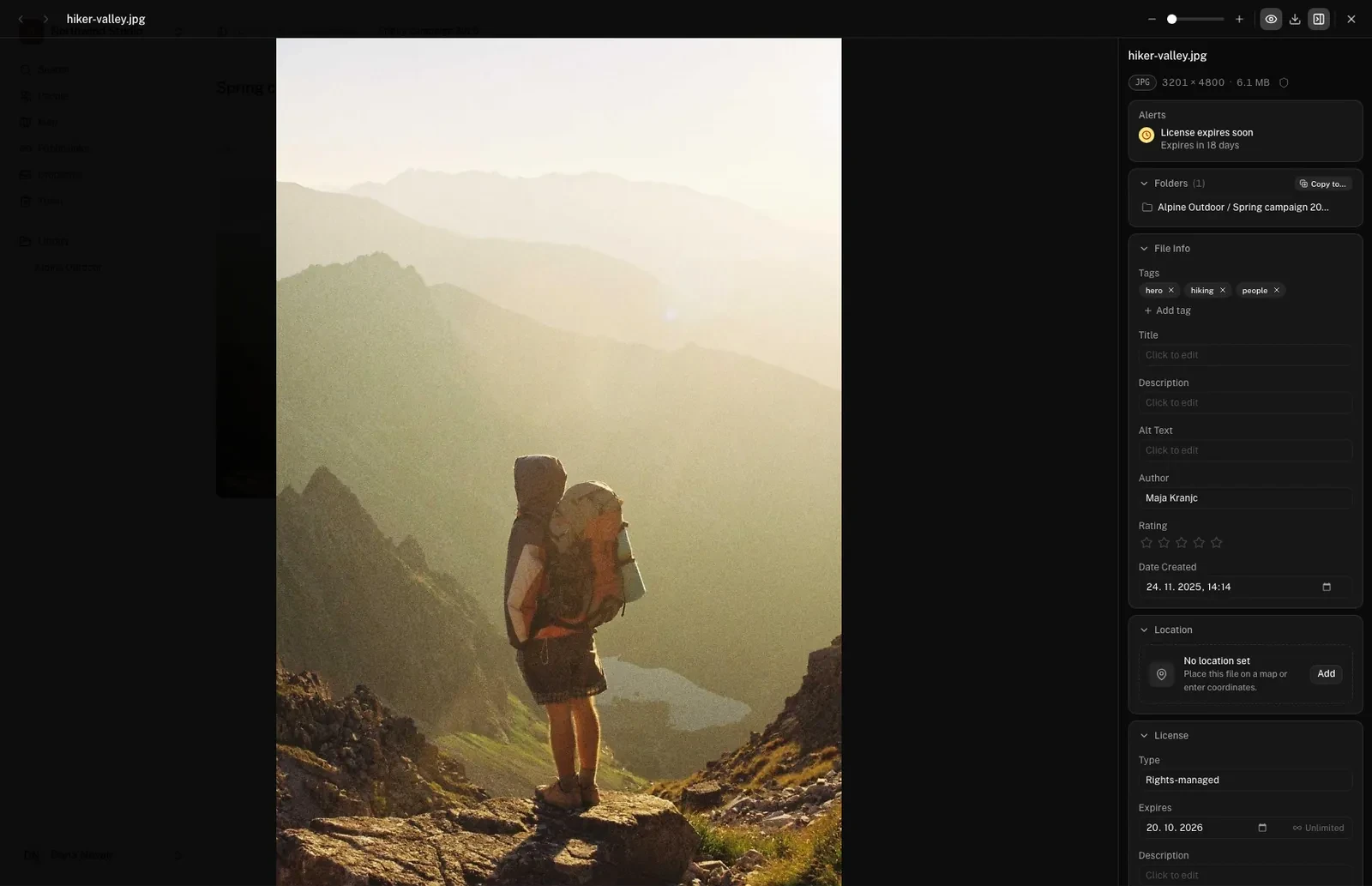
See what you are allowed to use before you use it.
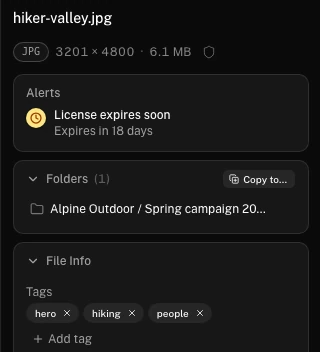
Open any file and its license sits next to it: the type, who owns the rights and the day it expires. Files that are about to expire are flagged in the grid, so nobody has to open them one by one.
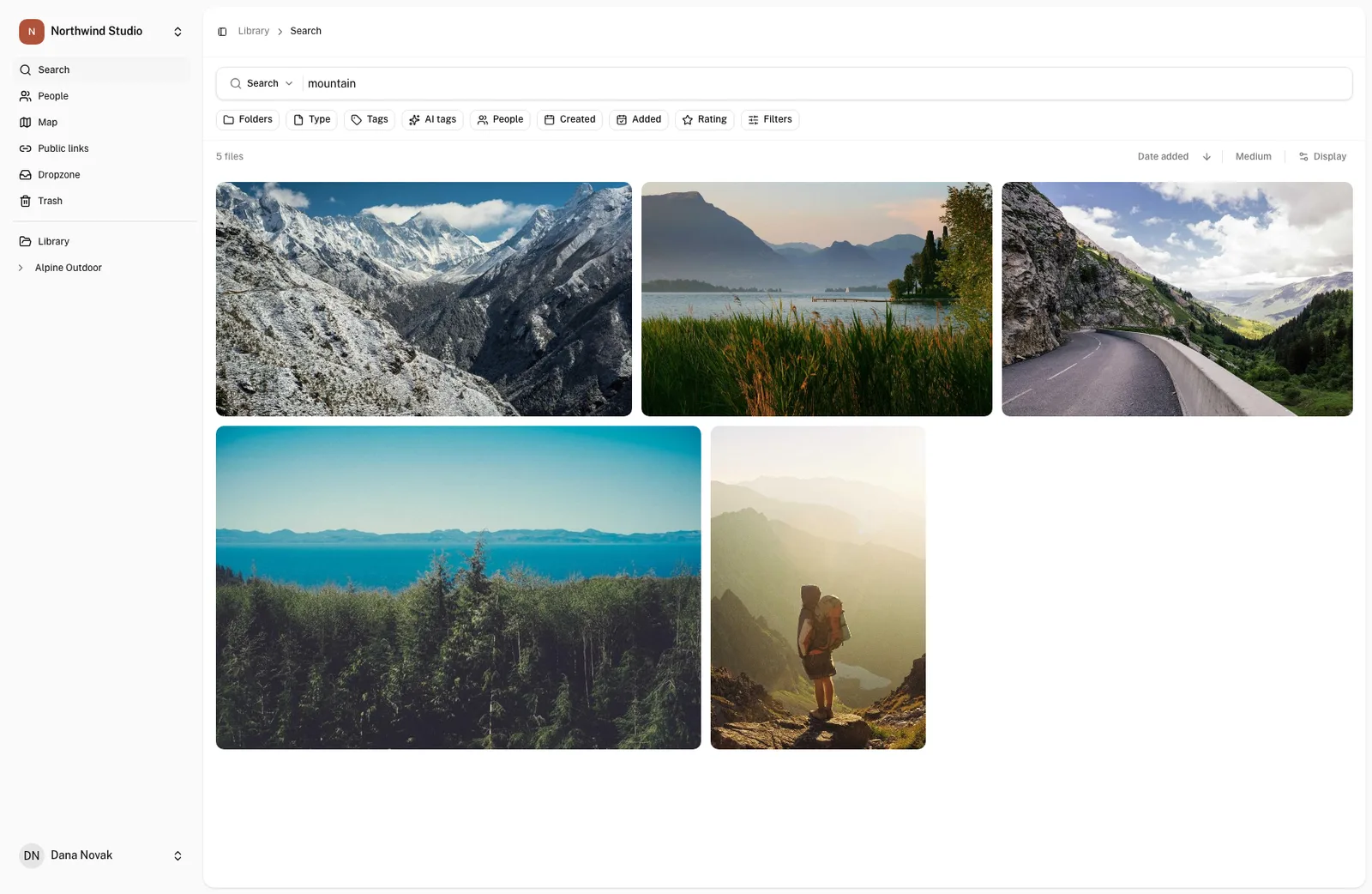
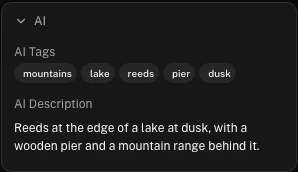
Search for what is in the picture.
OLO can describe and tag every photo as it arrives. Type “mountain” and you get the mountain photos, including the ones nobody tagged by hand. Captions and keywords already saved inside your files are imported on upload too.
Find the moment someone said it.
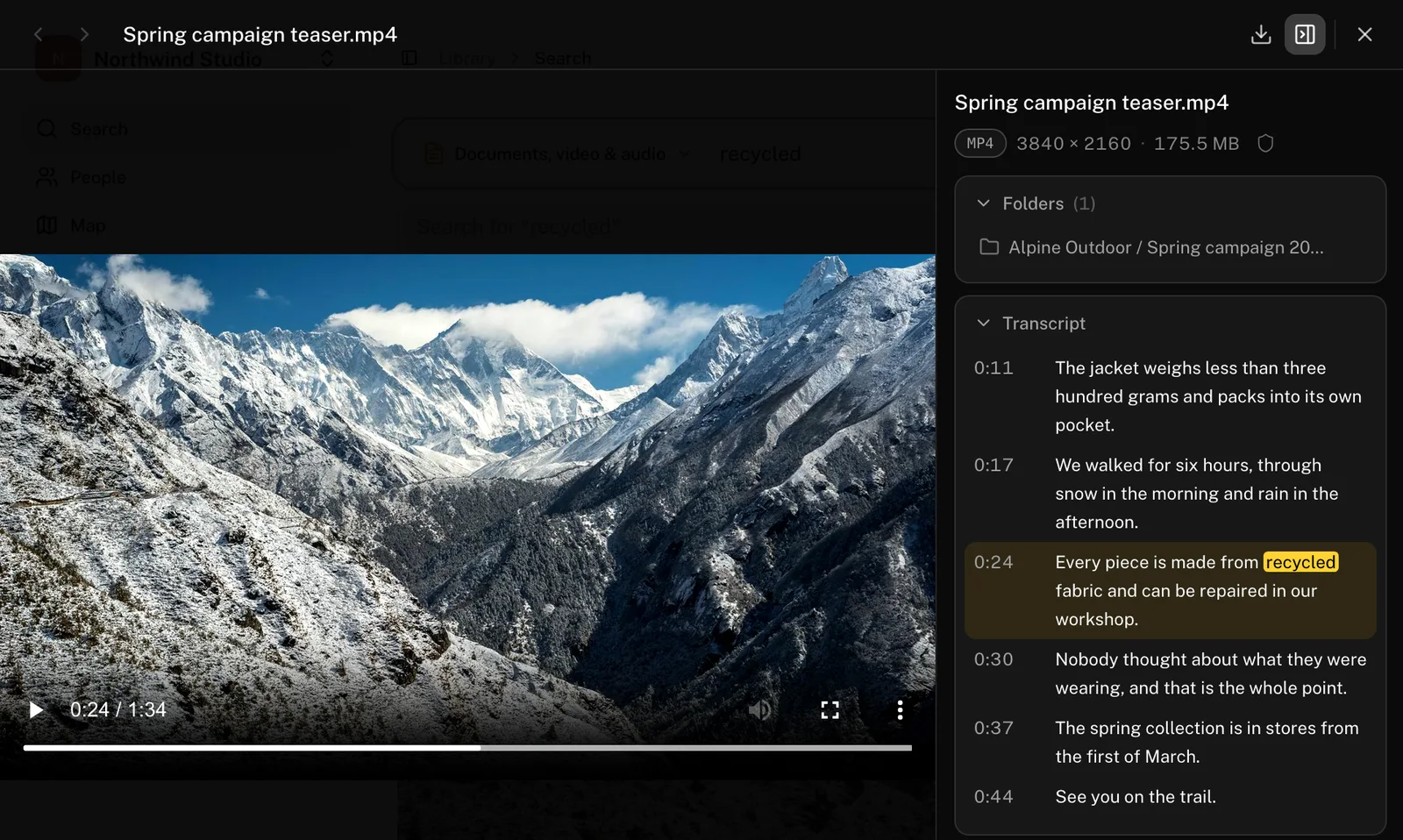
Video and audio can be transcribed. Search for a phrase and OLO opens the recording at the second it is spoken, with the full transcript next to the player.
Browse by place.
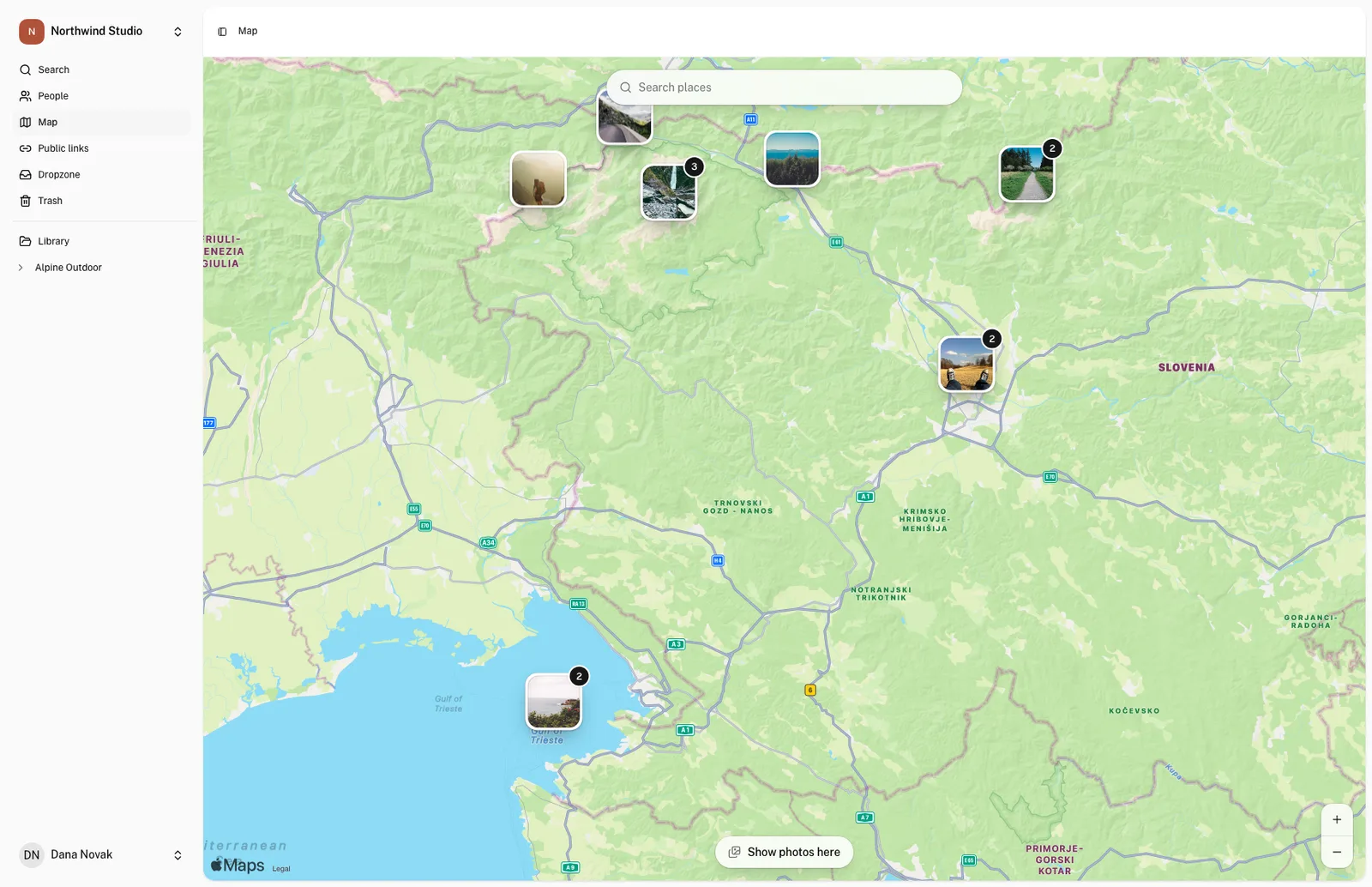
Photos that carry a location show up on a map, and you can place the rest by hand. Zoom into a region and open everything that was shot there.
Send a gallery, not a zip file.
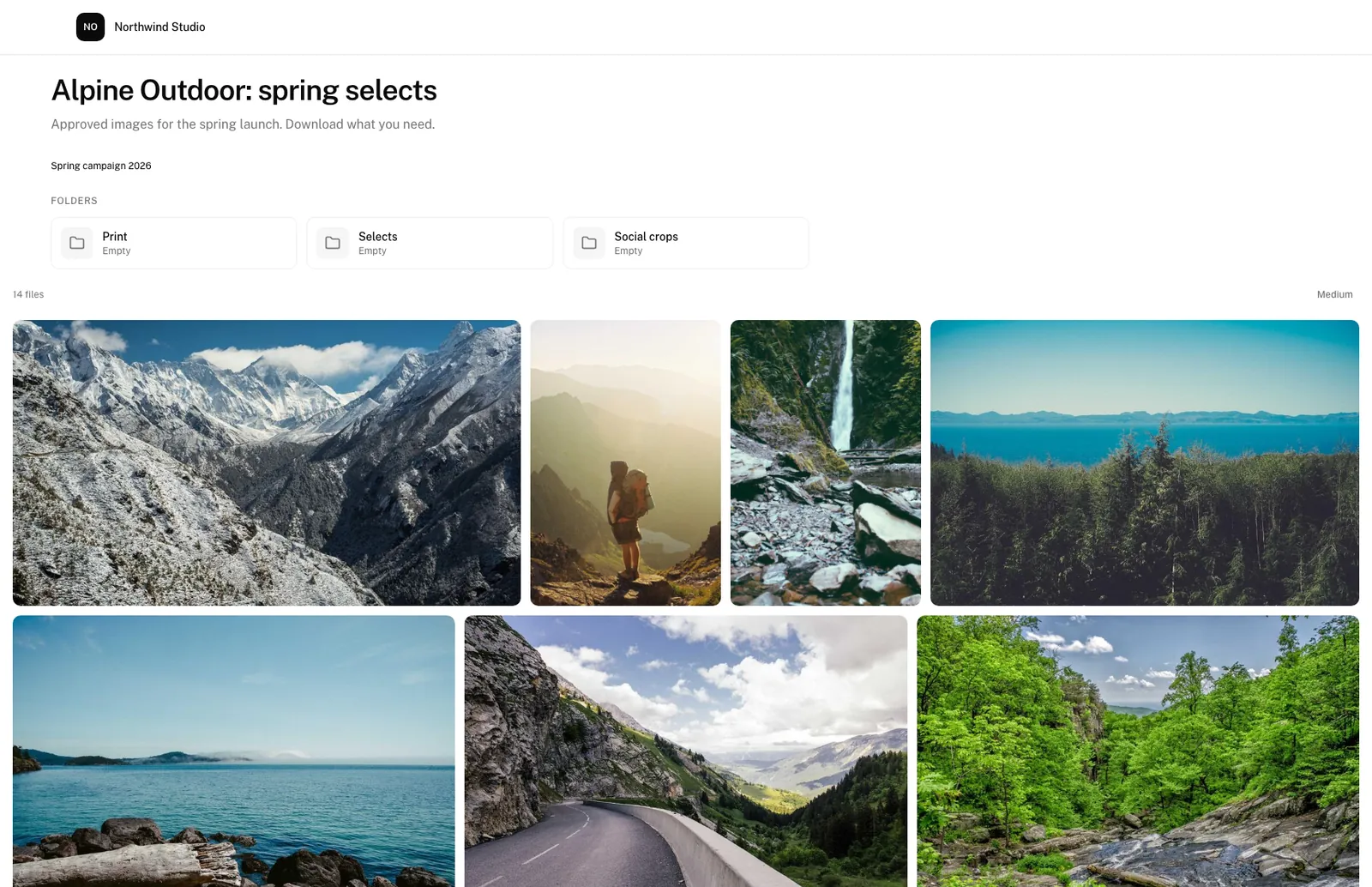
Share a folder or a hand-picked selection as a link. Protect it with a password, give it an end date, and choose whether clients can download originals, smaller copies or nothing at all.
We use OLO every day. Someone asks for a photo and I have it in front of me in seconds, ready to send. I honestly don’t know how we would live without it.
Content manager, Turizem Ljubljana
I’m a photographer and I also run the ZOO’s library, hundreds of gigabytes of it. The captions and keywords I save in my photos are imported on upload, so nothing gets typed twice. Sharing with partners and the press takes seconds.
Photographer, ZOO Ljubljana
And the rest of the job.
Photographer uploads
Give a photographer a dropzone. Their files arrive as a batch for you to review, and they never see the rest of the library.
Documents and video
PDFs, slides and spreadsheets get previews next to your photos. Video and audio play in the browser.
No duplicates
Upload a file that is already in the library and OLO links to the existing one instead of storing it twice.
Backups
Every original is copied to as many separate storage locations as you want. If a file is deleted by mistake, we can restore it from a backup for a set period afterwards.
Built around your organisation.
No two teams file, name or share their work the same way, so no two OLO workspaces are the same. The core is the same for everyone. Everything around it is set up with you, layer by layer, and when something is missing, we build it.
- Your structure
- Folders, roles, fields and alerts, the way your team already works.
- Upload rules
- How a file is named, where it goes, what is filled in and who reviews it.
- Automation
- AI tags, transcripts, duplicate checks and licence alerts, on where they help.
- Integrations
- Links to the tools you already use, so nothing is copied by hand.
- Custom features
- Something OLO does not do yet? Tell us the job and we build it in.
Pricing on request.
Tell us how many people will use OLO and roughly how much you store. We reply with a quote, and we can walk you through the product on a call.
hello@olo.si